

It’s been a tumultuous two years living in a pandemic and I would say that I wouldn’t have been able to survive it without the internet and my devices. Without them, it would be hard for us to get the information we need such as Covid-19 statistics or new laws being implemented. It would also be nearly impossible for us to doomscroll on TikTok till the wee hours of the morning and attend ZOOM meetings while cooking lunch on the side.
I would say that I’m especially thankful at that time as I was using a HUAWEI device that runs on Petal Search. When I wake up in the morning an hour after work is supposed to begin, I pick up my phone and start to scroll on the Petal Search application. Within half an hour, I am able to be up to date with the latest developments on vaccinations, viral shenanigans and global news. And the thing with it is that I can tailor it to my preferences, meaning to say that I can choose what I want to see, and I will get updates on the things that I care about. There may be a few pieces of big news in the cocktail, but it is especially useful as I do not need to access the different news portals one by one which will take up so much more time.
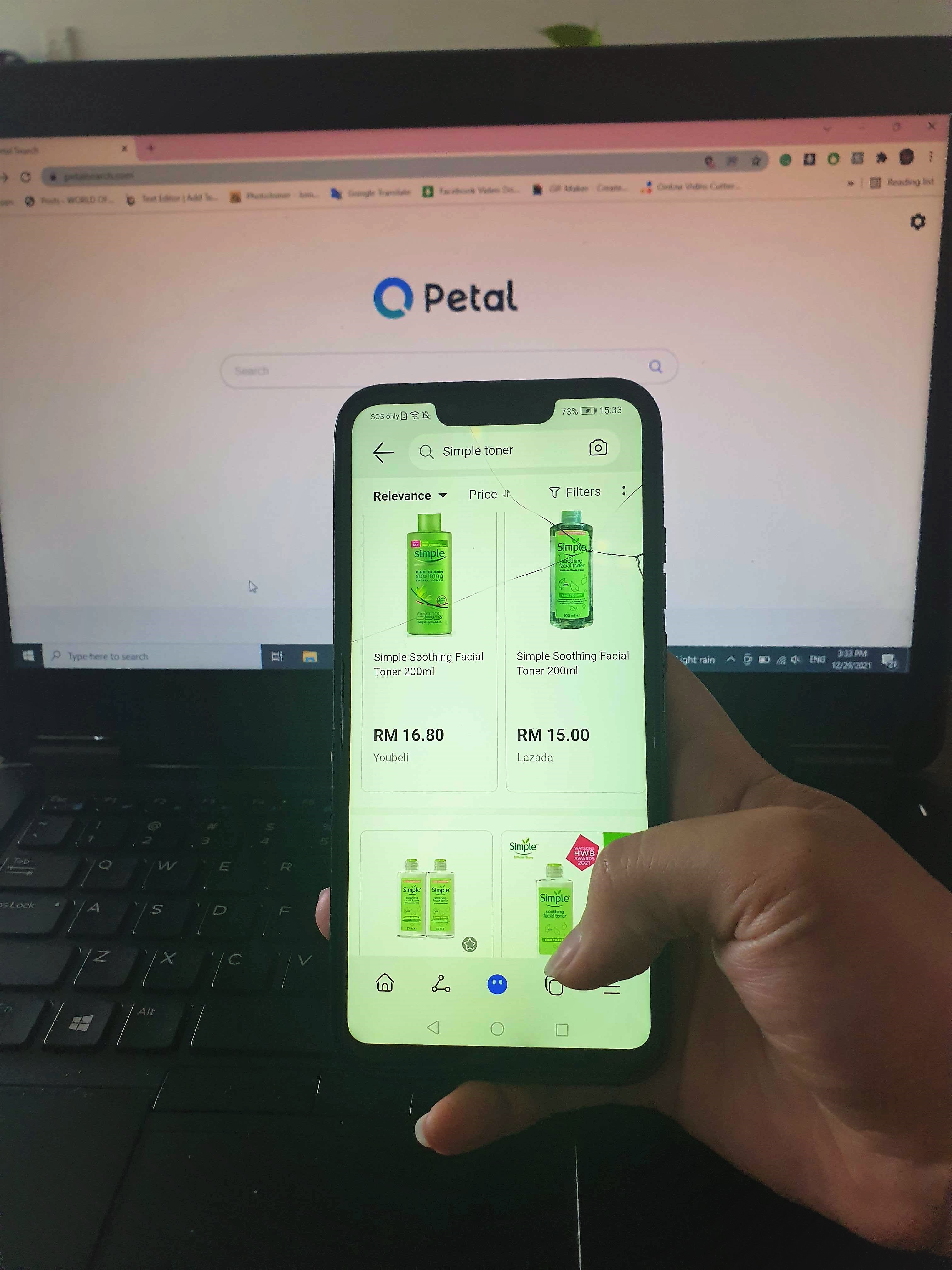
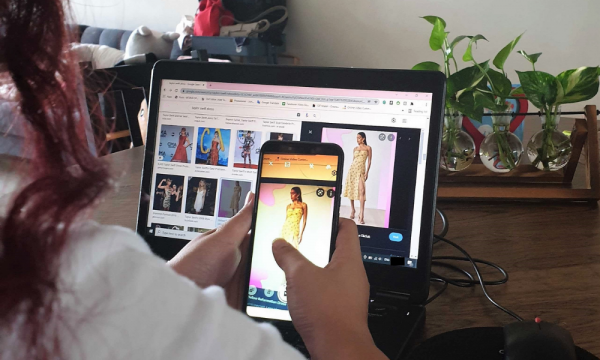
Although we’re at home most of the time, workplace stress is still very much there, just in a different shape. So, the best way to overcome stress is, of course, retail therapy. Online shopping has kept me sane during the whole pandemic! Instead of opening tab after tab to compare prices between similar products on different websites, Petal Search was able to do it for me and show them to me side by side! It has saved me a lot of time and money. And that’s not all as I can search for an item with the camera option; meaning to say that If I see a certain dress that has piqued my interest, I can search for it using the image I captured, and it will lead me to similar dresses. I’m happy with this feature but my bank account might be crying!
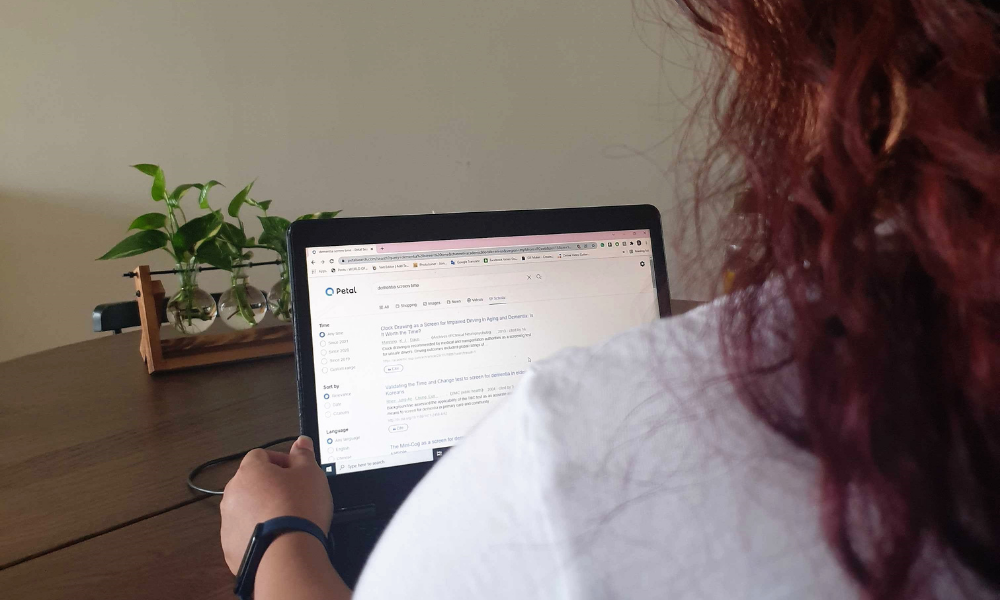
With all that I’ve said, Petal Search on mobile is certified to be awesome and let me tell you this, it is equally as good on PC! As I’m a university student, the scholar feature is really helpful for me in writing my thesis. With just a few searches, they are able to tailor the results to what I needed, and this was not possible with Google Scholar even when I used wildcard symbols. With Petal Search Scholar, I was able to get some pretty hit research articles that will serve as the foundation of my own study and I’m ecstatic for that! The search engine also helps you cite your sources (only MLA, APA and China National Standard as of now) so you can just copy and paste it onto your reference page. Talk about convenience!
When I first made the transition from Google to Petal Search, I was not expecting much but as I got used to it, I realised that both search engines do not differ much in giving me the results that I need. In some instances, such as the one with the Scholar function, I do feel that Petal Search performs slightly better and that’s very promising. I’m excited to see what the HUAWEI-created search engine will bring to the table in the future.
----------------
Writen by:
Alena Wan